



Description
Product Description
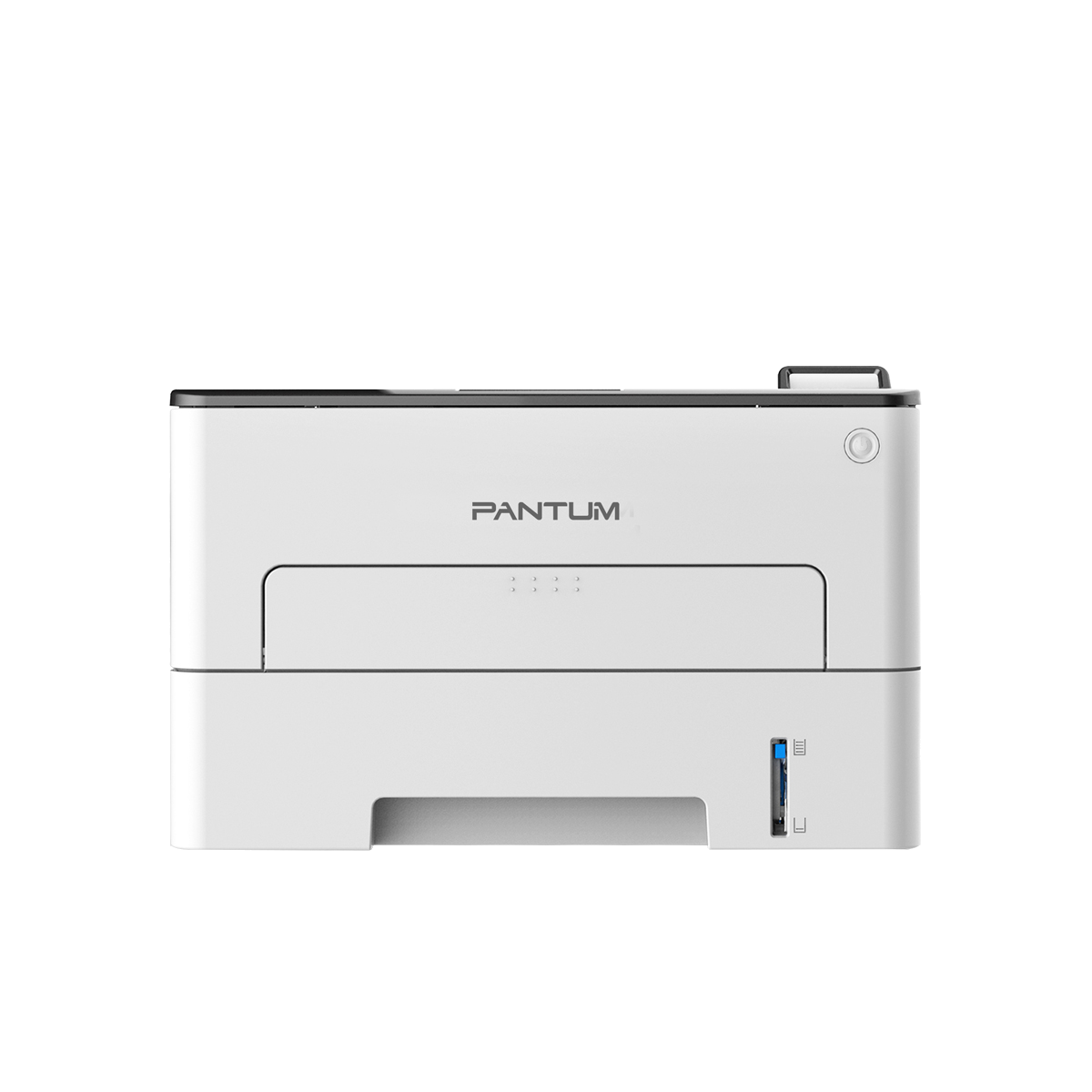
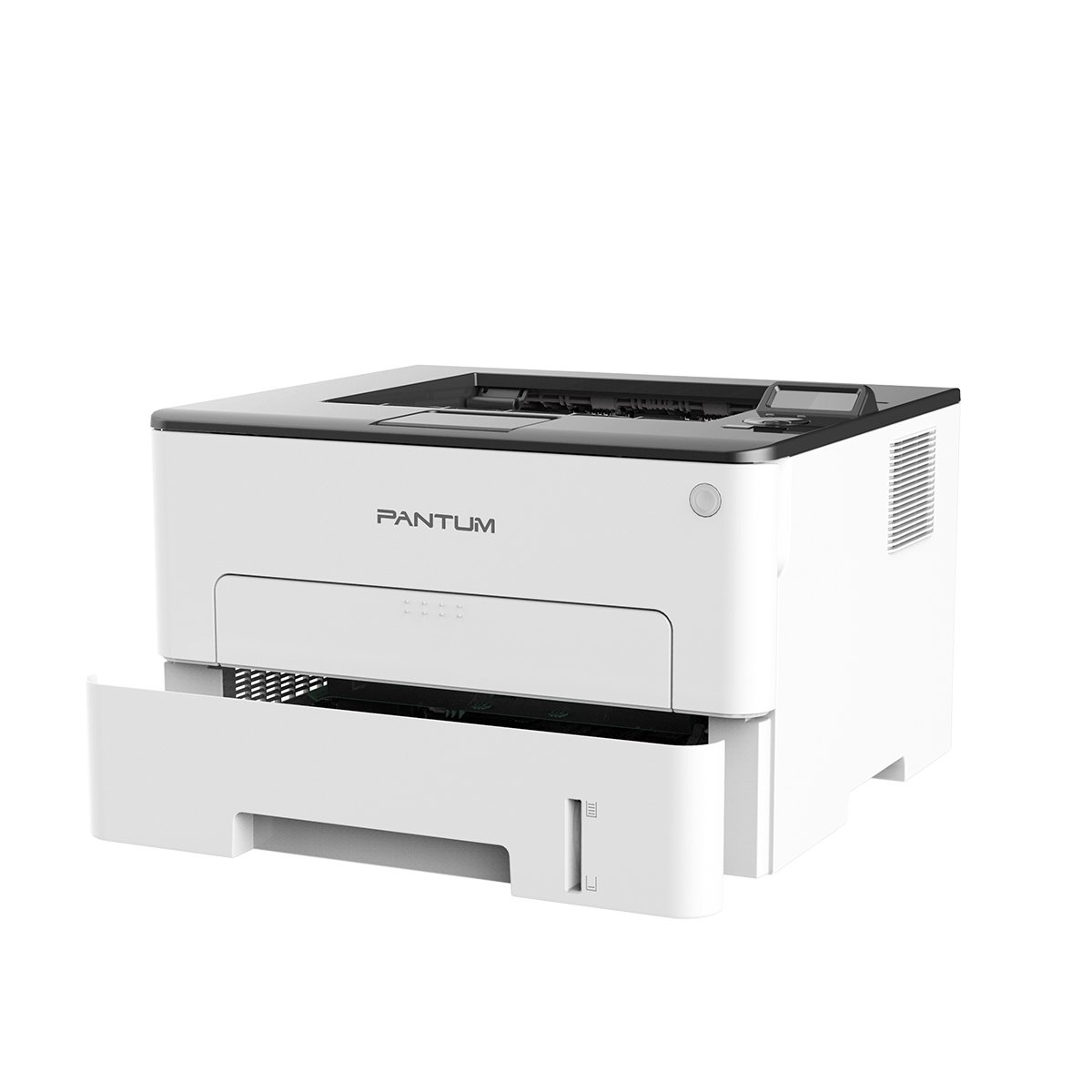
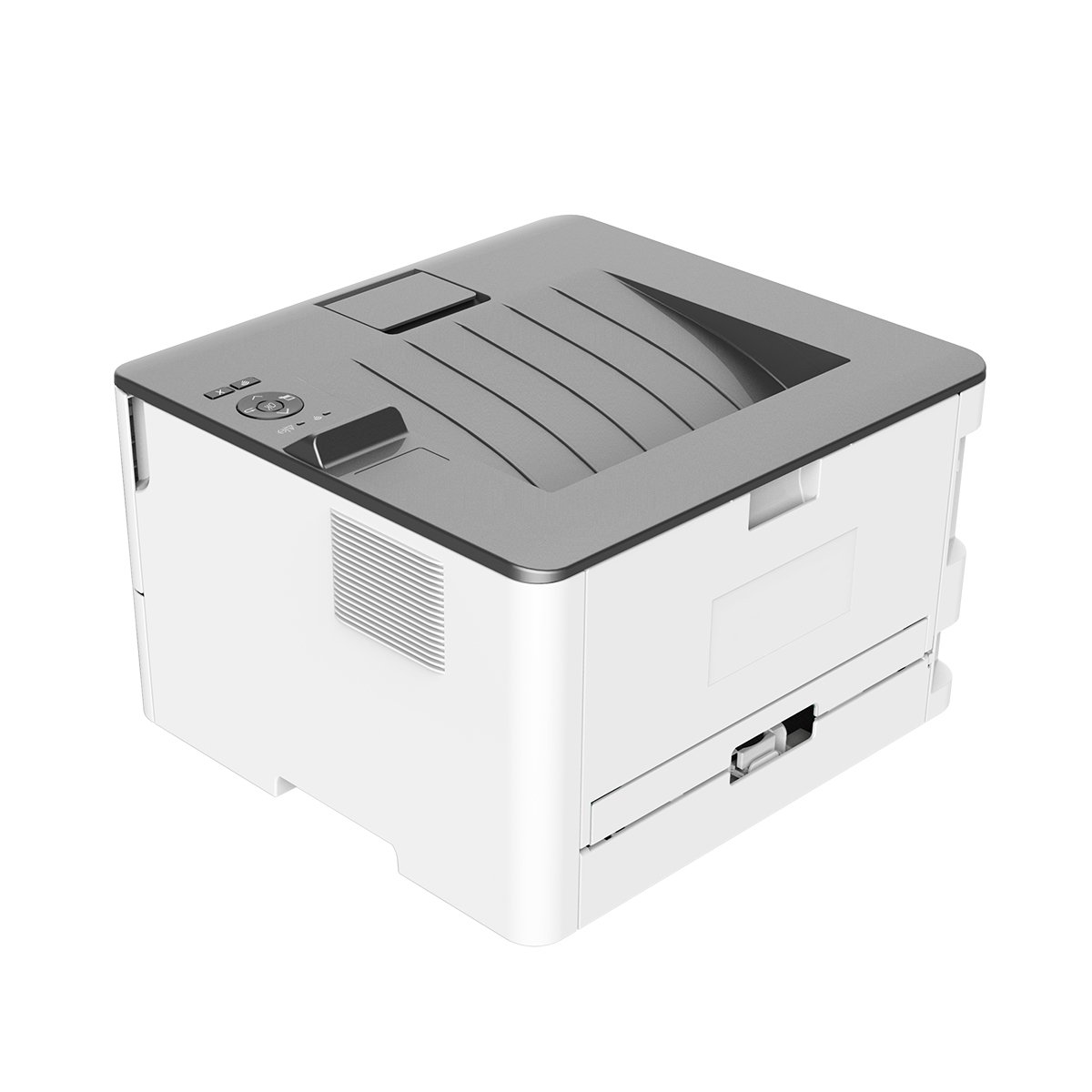
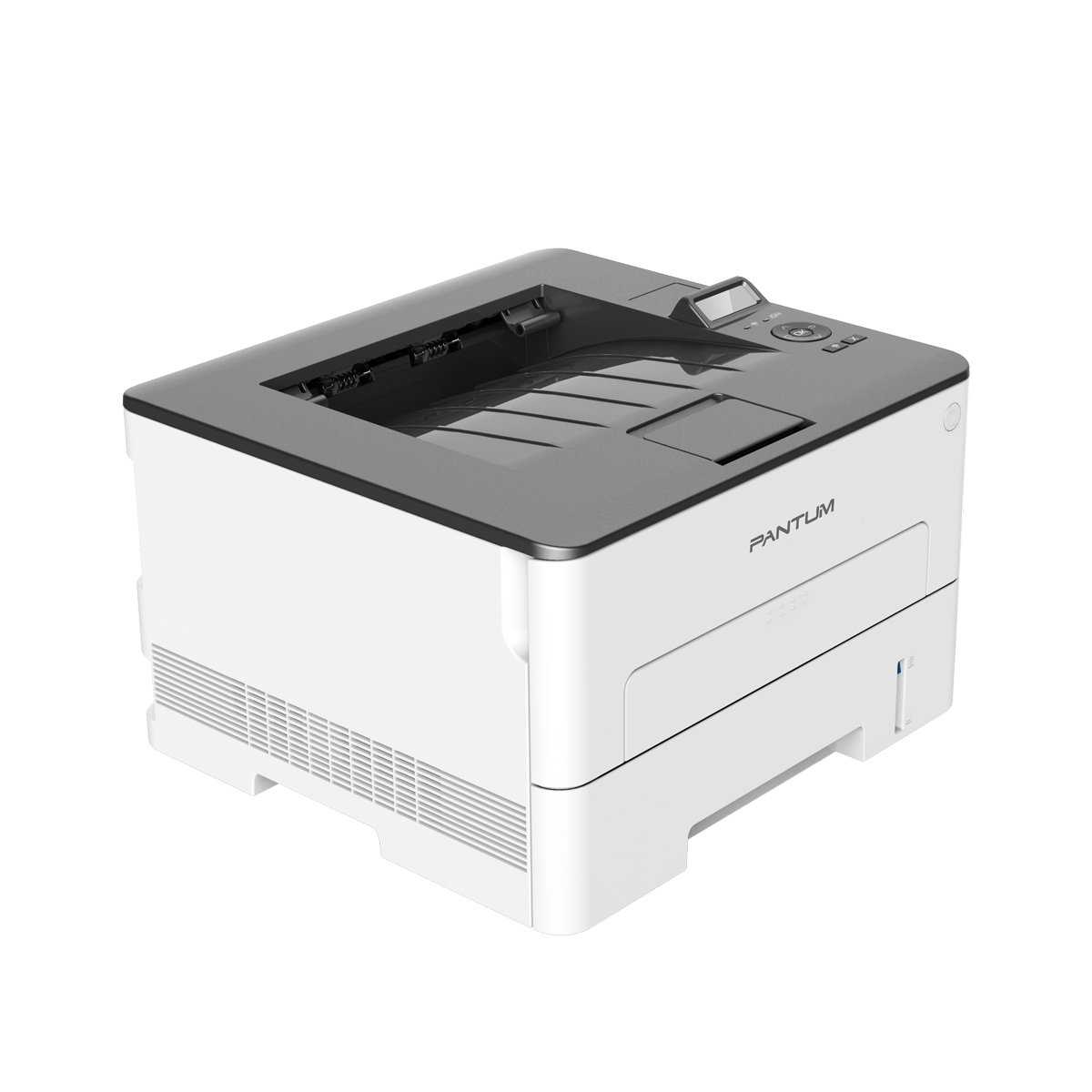
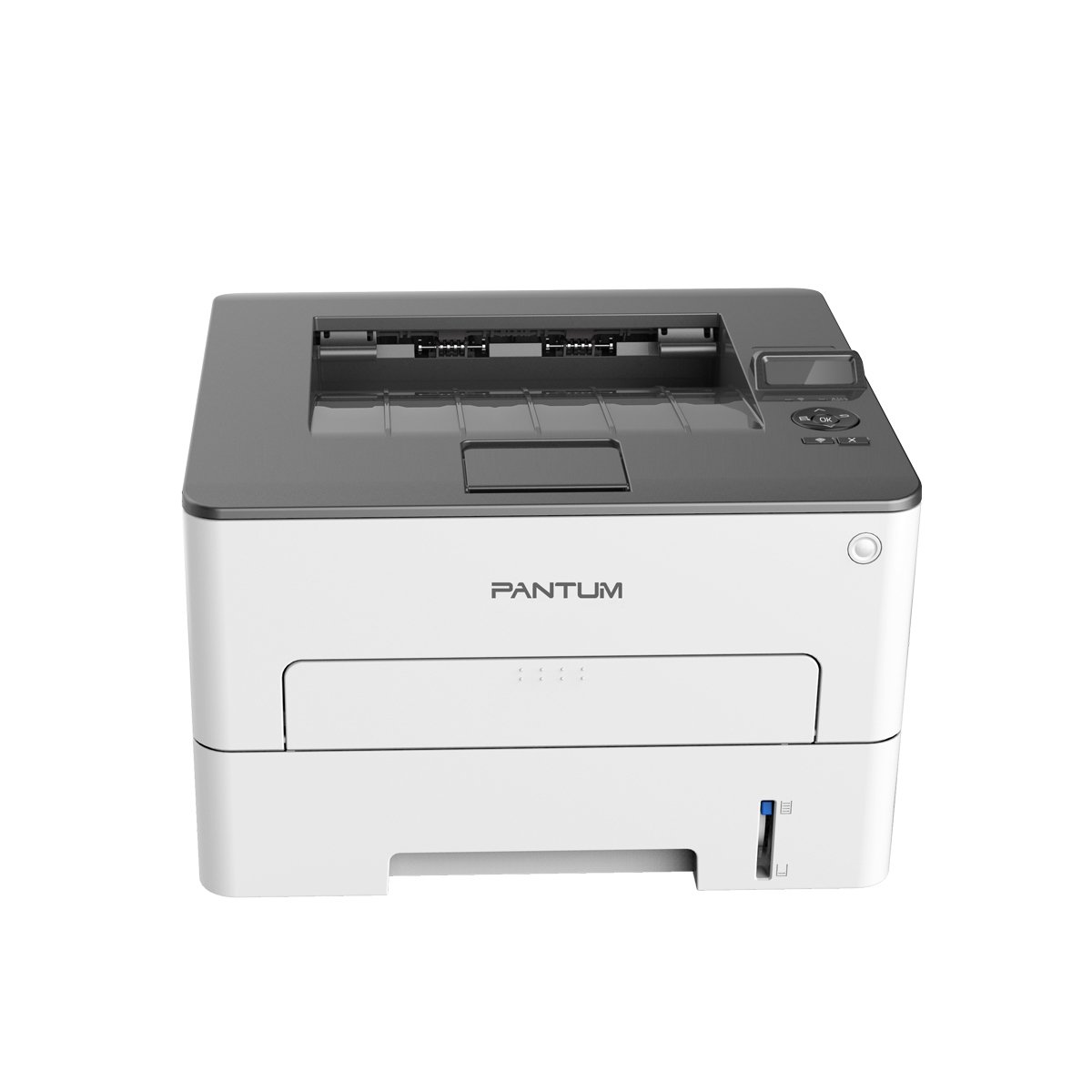
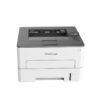
The Pantum P3300 series (comprising the P3302DN, P3302DW, and P3308DW) single-function monochrome laser printers are engineered to deliver commercial-grade speed, long-term durability, and exceptionally low operating costs. Designed deliberately for home offices, small-to-medium businesses, and professional administrative environments, these compact machines efficiently streamline daily document workflows without dominating valuable workspace desk area.
At the center of their design is a robust internal metal frame structure. This industrial-grade construction drastically minimizes core mechanical vibrations during high-speed operation, translating directly to an extremely low paper jam rate and prolonged machine longevity over years of heavy use. Users can confidently rely on these units for consistent, high-volume workloads, supported by a heavy-duty maximum monthly printing cycle reaching up to 60,000 pages.
Performance is a hallmark of this series, boasting rapid printing capabilities of up to 33 pages per minute (ppm) for A4 paper and 35 ppm for Letter sizes. This swift engine speed is paired with a highly responsive 350 MHz processor and a generous 256 MB of internal memory. Together, they ensure complex text documents, forms, and multi-page reports process immediately, yielding a first-page-out time under 8.2 seconds. Documents maintain sharp clarity across various media, including plain, thick, labels, and transparencies, thanks to a crisp maximum resolution of 1200 x 1200 dpi.
Efficiency extends deep into paper and cost management. Each model features integrated, automatic hands-free double-sided (duplex) printing. This capability halves paper consumption instantly, reducing corporate stationery expenditures and promoting an eco-friendly office footprint. To further lower the total cost per page, Pantum employs a separate drum unit and toner cartridge system. Instead of discarding an integrated assembly prematurely, users independently swap out the 1,500-page starter toner while retaining the high-yield 12,000-page drum unit. Higher capacity replacement toners offering 3,000 or 6,000 pages are also available to support busy workspaces.
The distinguishing factor among these models lies in their specific interface configurations, accommodating distinct workplace architectures:
Complete Technical Specifications
| Category | Specification Detail |
|---|---|
| Print Technology | Monochrome Laser |
| Processor & Memory | 350 MHz / 256 MB RAM |
| Print Languages | PCL5e, PCL6, PS, PDF |
| Media Sizes Supported | A4, Letter, A5, A6, JIS B5, ISO B5, Envelopes |
| Media Weights | 60 to 105 g/m² (Tray) / 60 to 200 g/m² (Multipurpose slot) |
| Output Tray Capacity | 150 Sheets (Face down) |
| Dimensions (W x D x H) | 354 mm x 334 mm x 232 mm (13.9″ x 13.1″ x 9.1″) |
| Weight | ~6.8 kg (15 lbs) without cartridge |
Step-by-Step Wi-Fi Setup Guide (For DW Models)
The P3302DW and P3308DW support wireless setups via a one-step driver framework or mobile networks. [1, 2]
Method 1: Using the Mobile App (NFC)
- Enable Wi-Fi and NFC on your Android smartphone.
- Download and open the Pantum App from your app store.
- Tap your phone against the NFC logo area on the printer’s upper plastic casing.
- Follow the prompt on your screen to automatically bridge the printer to your local 2.4GHz Wi-Fi SSID. [1]
Method 2: Wi-Fi Direct Connection
- Ensure paper is loaded into the main tray.
- Press and hold the physical Wi-Fi button on the printer console for 3 seconds.
- The printer will output a configuration slip containing a Wi-Fi Direct SSID (e.g.,
Pantum-XXXXXX) and an 8-digit password. - Connect your PC or mobile device to that specific Wi-Fi network using the printed password.
- Access your web browser, navigate to the setup prompt, and configure the device to connect to your primary router network. [1]
Consumables Management & Upgrades
This series separates the drum unit from the toner cartridge, keeping maintenance expenses down. When the 2-line LCD control panel reads “Toner Low” or prints begin to fade, replace the cartridge using the guidelines below.
Compatible Replacement Options
- Drum Unit: Pantum DO-412K (Rated for 12,000 pages).
- Standard Toner: Pantum TL-412K (Yields 1,500 pages).
- High Yield Toner: Pantum TL-412HK (Yields 3,000 pages).
- Ultra High Yield Toner: Pantum TL-412XK (Yields 6,000 pages).
How to Replace the Toner Cartridge
- Pull open the printer’s front access door panel.
- Lift the inner primary engine block handle upward to reveal the assembly.
- Pull the empty toner assembly directly outward along its guide rails.
- Press the small plastic colored release lever on the drum base to decouple the old toner cartridge.
- Take your new toner cartridge out of its packaging and gently rock it side-to-side 5 times to distribute the powder evenly.
- Remove the protective orange shield tape lines.
- Firmly click the new toner into the drum carrier unit until it locks into place.
- Reinsert the combined assembly, shut the access panel door, and wait for the initialization spin to complete. [1]


Reviews
There are no reviews yet.